
iPhone
Install the current App Store or TestFlight release.
Ask your manager for the iPhone installation link.Install FIWO, accept your company invitation, and follow the guided setup. Assigned work, voice reports, offline protection, and job alerts travel with you.
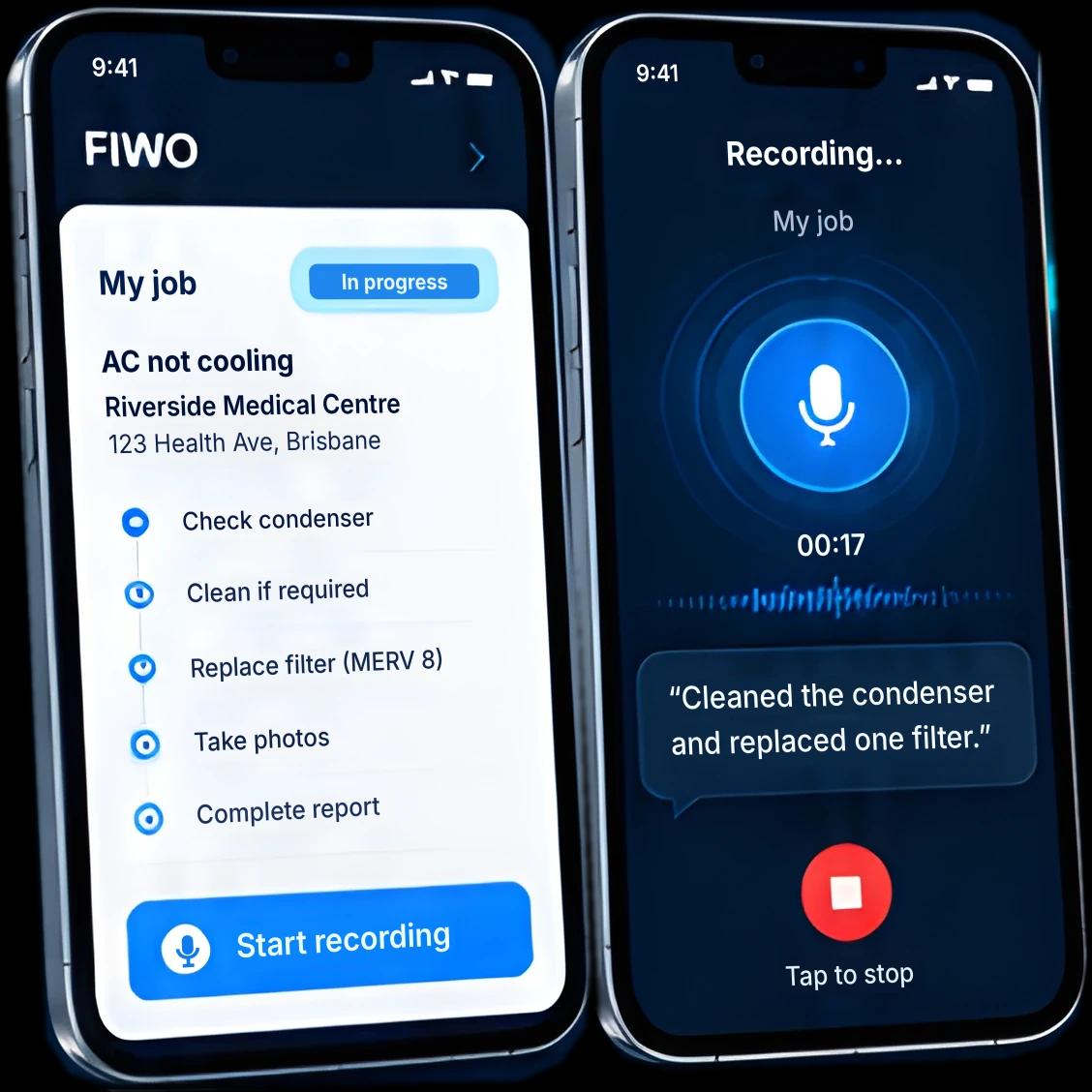
Your jobs,
in your pocket
Your manager can send this page or show its QR code. Use the same work email that received the FIWO invitation.
Install the current App Store or TestFlight release.
Ask your manager for the iPhone installation link.Install the current Google Play or internal release.
Ask your manager for the Android installation link.Open the company invitation and create your password.
Sign in to FIWO Mobile with the work email that received your invitation.
Review your company, enable alerts, and learn how offline work is protected.
Your assigned jobs and next actions are ready.
Basements, engine rooms, and rooftops rarely have good signal. FIWO keeps your work safe until it reaches the office.
Talk through the job. FIWO turns it into a structured report for review.
Unsynced recordings stay on the device and upload when you reconnect.
Every pending recording is visible in Queue until upload succeeds.
New and changed assignments reach you as soon as they are scheduled.
FIWO records only after microphone permission is granted. Background recording is off.
Read the privacy policy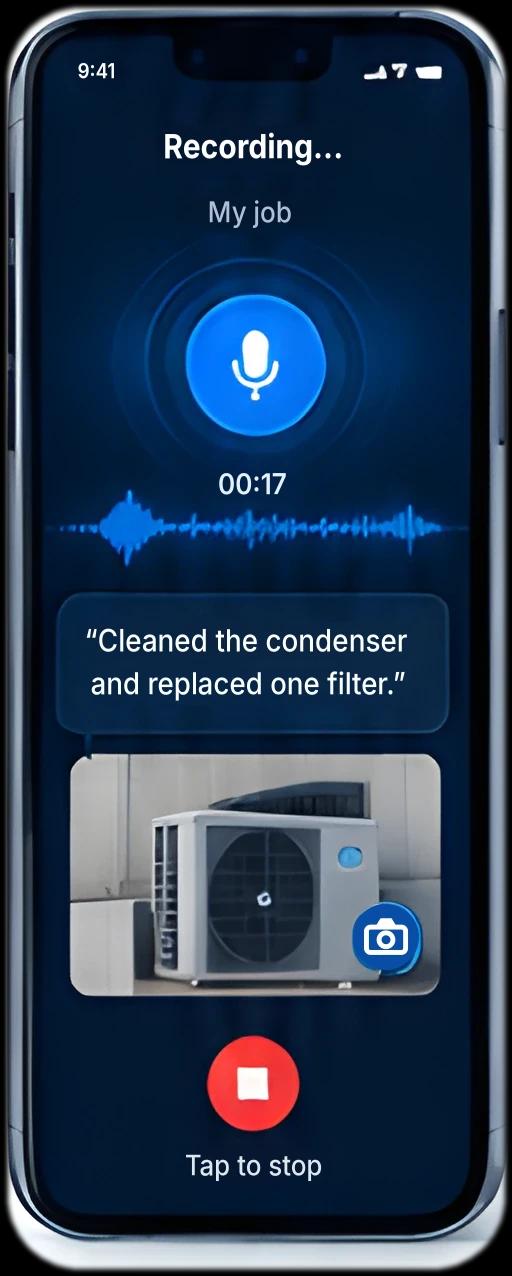
Safely stored offline
Open the app and sign in with your invited work email.